
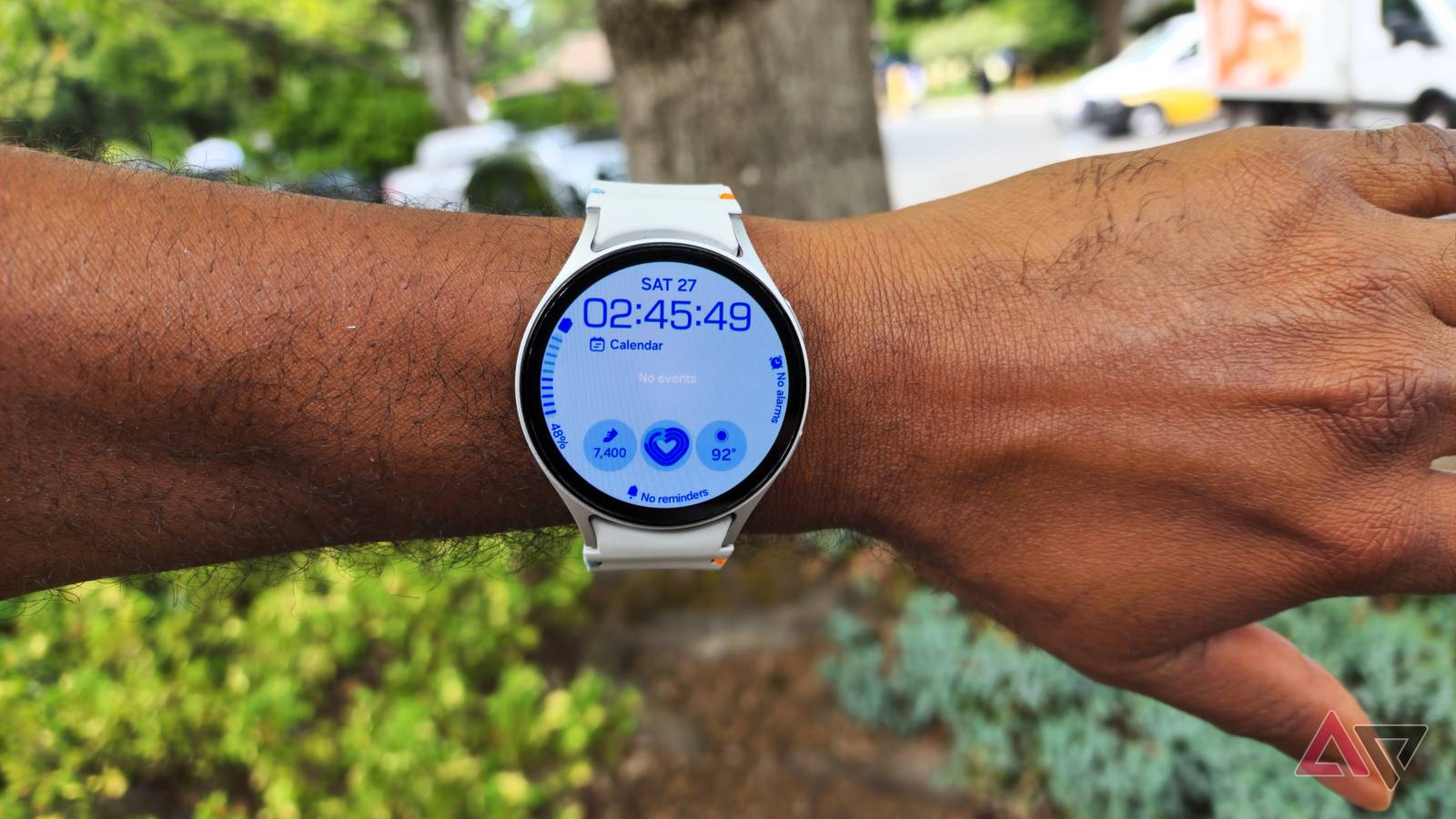
The rollout of Wear OS 7 has commenced for Pixel Watches, marking a transition toward deeper integration with Google’s hardware ecosystem. However, the transition has highlighted a persistent fragmentation within the Android wearable market, as a significant portion of the user base remains tethered to Wear OS 6 while waiting for manufacturer-specific updates.
For many Samsung Galaxy Watch users, this interim period has been marred by a critical system instability. A recurring bug is currently preventing several high-utility applications-including Gmail, WhatsApp, and Google Calendar-from launching, effectively neutralizing the “glanceable” utility of the smartwatch.
System-Level Memory Failures and App Crashes
The failure manifests as a loop: when a user attempts to open an impacted app, the splash screen appears briefly before the system abruptly terminates the process and returns the user to the app drawer. This behavior is indicative of a conflict between the application’s state and the operating system’s process manager, rather than a simple app-side instability.
Users across the Galaxy Watch community have reported the sudden onset of these crashes, often after routine overnight charging or background updates. One user noted, “Same thing here. Mostly Gmail but sometimes happens on other apps too. I have a watch 8,” while another confirmed, “You’re not alone, it suddenly just happened out of nowhere.”
The reliability of these devices is critical for users who depend on them for urgent notifications-from two-factor authentication prompts to health and safety alerts. As one user described the frustration: “Hope they address it soon. Today I had to read an urgent email and was not holding my phone, and Gmail simply wouldn’t launch.”
For enterprises and public-sector organizations that have rolled out wearables as part of secure communications or health-monitoring programs, this kind of failure is more than an inconvenience. It exposes how dependent frontline workflows and regulated services have become on consumer-grade platforms whose update cadence and quality controls are ultimately shaped by a handful of large platform vendors.
The Technical Root of the Launch Bug
Analysis of the glitch reveals that the issue is not rooted in the individual third-party applications, but rather in an OS-level memory failure within Wear OS’s process management. The system incorrectly identifies a closed application as still being active in the background. When the user attempts to launch the app, the OS detects a perceived conflict and aborts the launch to prevent a system crash.
The specific failure sequence typically follows this pattern:
- Process Ghosting: An app is closed, but the OS retains a “phantom” record of the process in the active memory stack, keeping resources notionally allocated.
- Launch Conflict: The user taps the app icon, triggering a new launch request that collides with the stale process record.
- State Panic: The system recognizes the app as “already open” but cannot locate the active window or task to bring it to the foreground, leaving the UI in an inconsistent state.
- Automatic Abortion: To avoid a kernel panic or system freeze, the OS kills the new launch attempt, tears down the partial process, and reverts to the home screen.
This is a subtle category of bug that typically only appears under tight resource constraints, such as those found in wearables with limited RAM and aggressive background-task pruning. It also illustrates why even small changes in scheduler behavior or power-management policies can cascade into visible failures in headline apps.
Stability Recovery, Patching, and Accountability
Because this is a failure of the OS’s process management rather than an app-specific bug, standard app updates do not resolve the issue. Users have identified two primary methods to restore functionality, depending on their need for an immediate fix versus a permanent solution.
| Solution | Method | Permanence |
|---|---|---|
| Manual Process Reset | Execute a “Force Stop” on the affected application via system settings, then relaunch. | Temporary (until the next ghost state is created) |
| Firmware Update | Install the May 2026 security and stability update for Galaxy Watch devices as soon as it becomes available to your region and carrier. | Intended to be permanent, subject to post-update monitoring |
For Samsung and Google, this incident is a reminder that wearables are no longer peripheral gadgets but increasingly sit inside regulated environments, from hospital wards to government agencies. In markets such as the European Union, broad device reliability, security, and data-handling expectations for connected products are being codified in frameworks like the Cyber Resilience Act, which is set to formalize vendor responsibilities for software maintenance and vulnerability management across consumer hardware.
In practice, that means firmware timelines and transparency around known issues are no longer just matters of customer satisfaction; they are edging into compliance territory. For users remaining on Wear OS 6-either because their devices are not eligible for Wear OS 7 or because OEM and carrier testing pipelines are still in progress-maintaining the latest security and stability patches is the only reliable safeguard against these system-level regressions, at least until the platform itself converges on a more unified, regulated standard for long-term support.
Related reading
